OnlyFans Content Calendar: The Posting Rhythm We Run Across 20+ Creators
- How often should you post? 3-5 OF feed posts a week plus 2-4 PPV blasts. Below three posts re-subs slip; above five, PPV unlocks dip because the fan already feels served for the month.
- When do the PPVs go out? Wednesday, Friday, Sunday. Monday is the weakest spend day of the week, so it gets welcome follow-ups and re-engagement DMs instead.
- The month runs as a four-week loop: reset, niche, personality, premium. One job per week is what keeps the calendar from drifting into "post whatever happens to be edited".
- Tent-poles get locked on 1 January. Valentine's, Halloween, Christmas, the creator's birthday and the account anniversary. Halloween needs six weeks of production lead time, Christmas eight.
- One six-hour feed day with 4-5 outfits yields 80-120 photo finals plus 10-15 short clips, which is two to three weeks of posting. Our standard rhythm: one feed day per fortnight, one premium day per month, one tent-pole shoot per quarter.
- Tool stack: Notion for the calendar and shot lists, Google Sheets for the weekly KPI review, the native OnlyFans scheduler for feed posts. Nothing on the platform schedules mass DMs properly, so that part runs on a third-party tool.
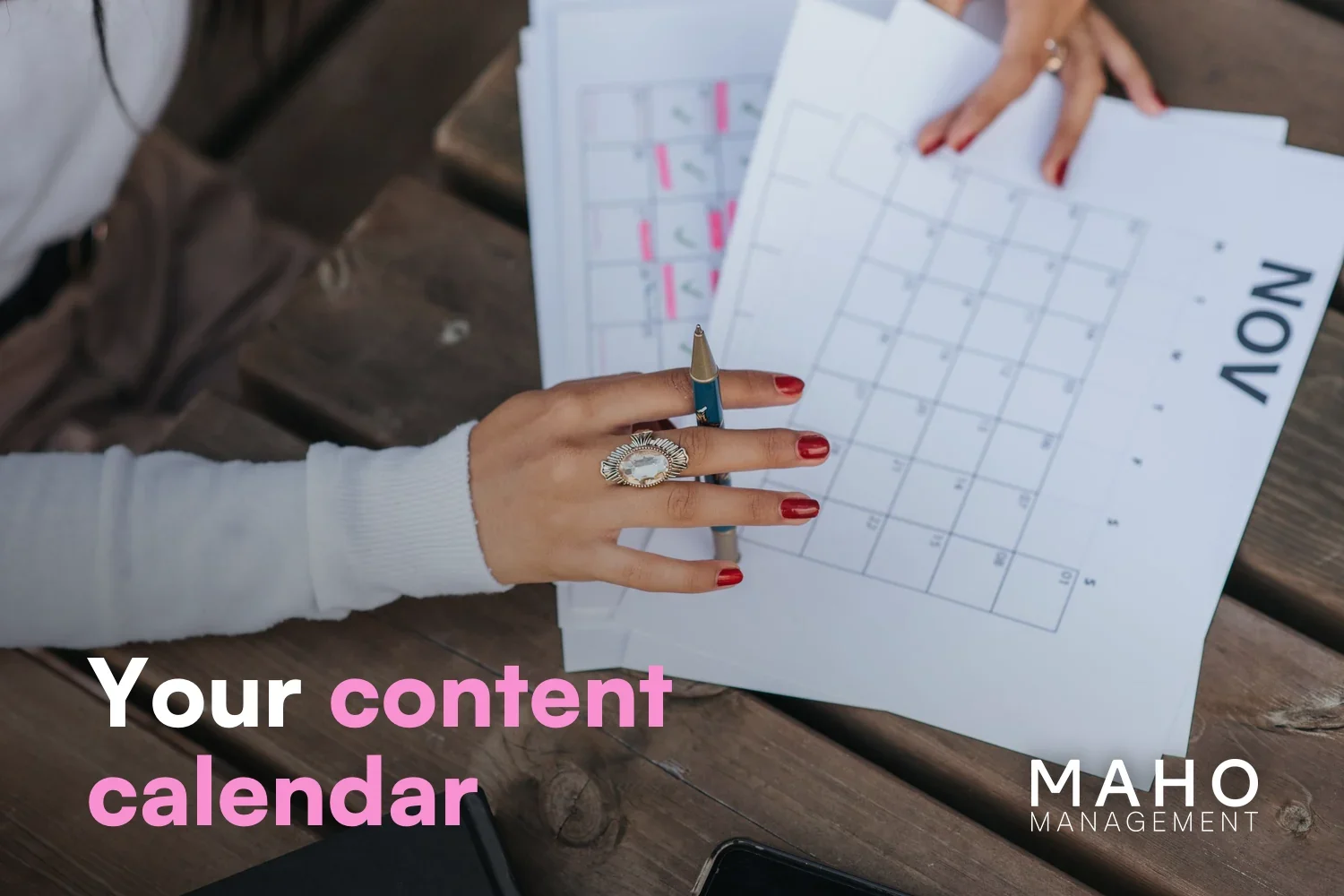
A content calendar is not a spreadsheet, it is the backbone of revenue. Across the 20+ creators MAHO manages, the accounts that hold a steady posting rhythm outperform the ones that do not by a factor that shows up in every single weekly KPI review: more re-subs, higher PPV unlock rates, and a top-1% spend share that climbs from 10% toward the ~15% benchmark we see on mature accounts. This guide is the rhythm we actually run, broken down into a weekly grid, a monthly grid, a batch-shoot playbook, and the tools we pair with each.
Why Does a Content Calendar Matter?
A subscriber pays for two things: the content they see today, and the trust that there will be more content next week. The first is a one-off transaction, the second is the entire economics of OnlyFans. Without a calendar, the second part collapses. We have onboarded plenty of creators who arrived at $5-10k per month and stalled there because their posting was reactive: shoot when inspired, post when the photo set is ready, ghost the feed for two weeks when life gets busy. The calendar fixes that not by adding work, but by sequencing the work that is already happening.
Three reasons we put a calendar in front of every account on day one:
- Re-sub leverage. Fans hit the renewal button on month two when they remember the last three things you posted. A calendar keeps the last-three-things slot full at all times.
- Chatter leverage. Our chat team needs to know what is dropping next so they can pre-tease and queue the PPV. Without a calendar, chatters fly blind.
- Production leverage. Batch-shooting on a known schedule cuts shoot days from "every week" to "every two weeks", which is the difference between burnout at month four and a creator who is still in the game at year two.
What Does a Working Week Look Like?
A working week on OnlyFans is not seven equal days. Mondays are slow, Fridays are loud, weekends are PPV territory. We design the week around fan-spending patterns we have measured across the portfolio, not around when the creator feels like posting. Below is the standard weekly grid we run for an established account at the $20-50k per month band.
| Day | OF feed | Mass DM / PPV | Social channels | Internal |
|---|---|---|---|---|
| Mon | 1 SFW teaser post | Welcome DM follow-ups for weekend signups | IG story, TikTok 1 reel | Weekly KPI review |
| Tue | 1 photo set (mid-tier) | Re-engagement DM to dormant fans | IG story, X post, Reddit drop | Plan PPV for the week |
| Wed | 1 BTS / personality post | PPV blast #1 (mid-tier $15-25) | IG reel, TikTok | Top-fan check-in (whales) |
| Thu | Tip-menu nudge to top spenders | IG story, X thread | Pre-tease Friday PPV | |
| Fri | 1 video post (premium) | PPV blast #2 (premium $30-50) | IG reel, TikTok, Reddit | Weekend chat coverage briefing |
| Sat | 1 BTS or "weekend mood" post | Custom-content offers to whales | IG story | |
| Sun | PPV blast #3 (high-converting re-bundle) | IG story, weekly-recap reel | Lock content for the next week |
Three to five OF feed posts. Two to four PPV blasts. Daily DM activity from the chat team. The numbers come from what we measure, not what feels right: drop the OF feed below three posts and re-subs slip; push past five and the feed cannibalises PPV unlocks because the fan already feels they have seen "enough" content for the month.
How Do You Plan a Whole Month?
As a four-week theme cycle that loops, with seasonal overlays on top. A week is the smallest unit of execution, a month the smallest unit of planning, and the monthly grid below sets the themes that the weekly grid then fills in. Every account we manage runs that loop, and the overlays cover holidays, brand moments, and creator-specific events.
| Week | Theme | Big PPV | Social hook | Goal |
|---|---|---|---|---|
| Week 1 | Reset / brand reintro | Mid-tier bundle ($25) | "New month, new content" announcement | Re-sub conversion from month-end churn |
| Week 2 | Niche / kink-specific | Niche-specific PPV ($30-40) | Niche subreddit drops, IG niche audience | Whale conversion: mid-tier spenders crossing $500 lifetime |
| Week 3 | BTS / personality | Personality-led PPV ($20) | "Day in the life" reel, story polls | Re-engage dormant subs, IG growth |
| Week 4 | Premium / event | Premium-tier PPV ($40-50) | Pinned post, X thread, full Reddit push | Maximise whale spend before month-end |
Holiday and seasonal overlays sit on top of this loop. Valentine's, Halloween, summer, Christmas, and the creator's own birthday or account anniversary all become tent-pole PPV weeks where the standard premium drop is replaced with a themed one. We plan those tent-poles on a 12-month horizon at the start of the year because the production lead time on a Halloween set is six weeks and on a Christmas set eight, not six days.
How Do You Shoot Two Weeks of Content in One Day?
A batch shoot is one production day that produces enough content for two to four weeks of posting. Done well, it cuts your shoot days from one per week to one every two to four weeks, which is the difference between sustainable creator output and the burnout cycle. Below is the standard yield we plan for per shoot day on the accounts we manage.
| Shoot day type | Outfits / setups | Photo output | Video output | Covers (weeks) |
|---|---|---|---|---|
| Light photo day (~3 hours) | 2-3 outfits, 1 location | 40-60 finals | 3-5 short clips | 1-2 weeks |
| Full feed day (~6 hours) | 4-5 outfits, 2 locations | 80-120 finals | 10-15 short clips | 2-3 weeks |
| Premium / PPV day (~8 hours) | 2-3 elaborate setups | 40-60 finals | 2-3 long-form videos (5-15 min each) | 1 PPV month covered |
| Tent-pole shoot (~10 hours) | 5-6 themed setups | 100-150 finals | 3-4 long videos + reels | 4 weeks + tent-pole PPV |
The standard rhythm we run on a managed account is: one full feed day every two weeks, one premium / PPV day per month, one tent-pole shoot per quarter. That feeds the weekly grid above without ever running the creator into a "shoot today or there is nothing to post tomorrow" panic.
Notion, Google Sheets, Planoly or Buffer: Which Tool Should You Plan In?
Notion for the calendar, Google Sheets for the numbers. That combination runs every managed account we have. There are dozens of planning tools but only four show up in serious use across the OF space, so here is the honest read on each:
| Tool | Strength | Weakness | Cost | Best for |
|---|---|---|---|---|
| Notion | Database views, kanban, team handover, links to Drive content | Overkill for solo creators, learning curve | Free solo / from $8 per user | Managed accounts, teams of 2+ |
| Google Sheets | Zero learning curve, fast, shareable, KPI-friendly | Ugly, no media preview | Free | Solo creators, MVP setups |
| Planoly | Visual IG grid preview, hashtag manager | SFW IG focus, no OnlyFans support | Free / from $13 per month | IG funnel planning only |
| Buffer | Multi-channel scheduling, simple UI | Adult-content tolerance is grey, no OF integration | Free / from $6 per channel | Cross-platform social scheduling for SFW funnel |
Our default stack is Notion plus Google Sheets: Notion for the calendar, the shot lists, and the chat-team briefings, Google Sheets for the weekly KPI review and the monthly revenue dashboard. Planoly only enters the picture for IG-heavy creators who want a visual grid preview, and Buffer is optional for cross-channel SFW scheduling. None of these tools post to OnlyFans directly, OnlyFans has its own native scheduler and we use it.
Which Calendar Mistakes Cost the Most?
Five patterns we see on under-performing accounts on the calendar side, all fixable in a single planning round:
- No content buffer. Posting today what was shot today. Any disruption (illness, travel, equipment fault) breaks the rhythm immediately. Aim for at least two weeks of buffer at all times.
- PPV blasts on Mondays. Spend is lowest at the start of the week. Move the big PPV blasts to Wednesday-Friday-Sunday.
- No theme rotation. Every post is the same vibe and the same outfit. Fans get bored, re-subs drop. Rotate weekly themes inside the monthly cycle.
- Chat team has no visibility. Chatters do not know what drops tomorrow, so they cannot pre-tease. The calendar should be visible to the chat team at least 7 days ahead.
- Tent-poles planned at 2-week notice. Halloween production needs six weeks of lead time, Christmas eight. Lock tent-poles in January.
FAQ
How often should I post on OnlyFans?
3-5 feed posts per week plus 2-4 PPV blasts is the sweet spot we measure across the portfolio. Below 3 posts the re-sub rate slips. Above 5 posts the PPV unlocks dip because fans feel they have already seen enough. The exact count depends on niche and price tier, but 3-5 is the corridor that works for most accounts above $10k per month.
What is the best way to plan OnlyFans content in advance?
Start at the year, then drill down to the month, then to the week. Lock the year's tent-poles (Valentine's, Easter, summer, Halloween, Christmas, plus creator-specific events) on 1 January. Plan the month's themes (reset, niche, BTS, premium) two weeks before the month starts. Plan the week's specific posts and PPVs every Monday. Never plan a single post in isolation, always plan it inside its week and inside its month.
Should I use the OnlyFans native scheduler?
Yes, for feed posts. It is reliable and free. For mass DMs and PPV blasts, the native tool is too thin for serious operations. We run a third-party tool on top of it for chat-side automation: bulk PPV with segmentation, custom lists, scheduled mass-DM blasts and queues. Check the current OnlyFans terms before you connect one, and set it up with eyes open: 2FA, reputable providers only, backup access path always ready.
How do I come up with fresh content ideas for the calendar?
Three sources, in order of value. First, fan requests captured by the chat team during DMs, which we log in a Notion database called "Fan asks". Second, the previous month's PPV unlock data out of your chat tool, which tells you what theme converted at what price. Third, seasonal and tent-pole hooks (Valentine's, summer, Halloween) that map onto the creator's brand. Avoid pure trend-chasing on TikTok-style themes, fans pay for consistency, not trend-jumping.
What does a batch-shoot day actually look like?
Six to eight hours, three to five outfit changes, two locations, a checklist of shots prepared in Notion the day before. Output target: 80-120 photo finals after editing, plus 10-15 short clips for reels and 1-2 long-form videos for PPV. That covers two to three weeks of feed posting and one premium PPV. The discipline is on the prep, not the shoot day itself: a shoot day with no shot list yields half the output of a shoot day with one.
How far ahead should the calendar look?
Three horizons, all kept in sync. Twelve months ahead for tent-poles. Four weeks ahead for theme planning. Two weeks ahead for specific posts and PPVs. Anything closer to "today" is execution, not planning. Anything beyond twelve months is wasted work because the platform will change.
Can my chat team see the calendar?
They have to. The chat team needs at least 7 days of visibility on what is dropping next so they can pre-tease in DMs and queue the PPV pre-message. Without that, the chatters cannot do their job and PPV unlock rates drop by a factor we have measured repeatedly. Notion (with permission-controlled views) is the cleanest way to share the calendar with chatters without exposing the underlying production schedule.
Conclusion
A content calendar is not a productivity tool, it is a revenue tool. In our portfolio, the accounts that hold a 3-5 post rhythm with 2-4 PPV blasts and a chat team that knows what drops tomorrow are the same accounts that climb past the $30k per month threshold. The accounts that wing it stall at $10k. The gap is not talent, it is the calendar.
Start with the weekly grid this week. Add the monthly cycle next month. Lock the year's tent-poles in January. Use Notion plus Google Sheets, plug a mass-DM tool in once the rhythm is steady, and never let the chat team work without 7-day visibility on what is coming.
Lukas helps creators grow successfully on OnlyFans.
YouTube